
Сумка-холодильник epp для скутера, 55 л
US $63.00-$75.00

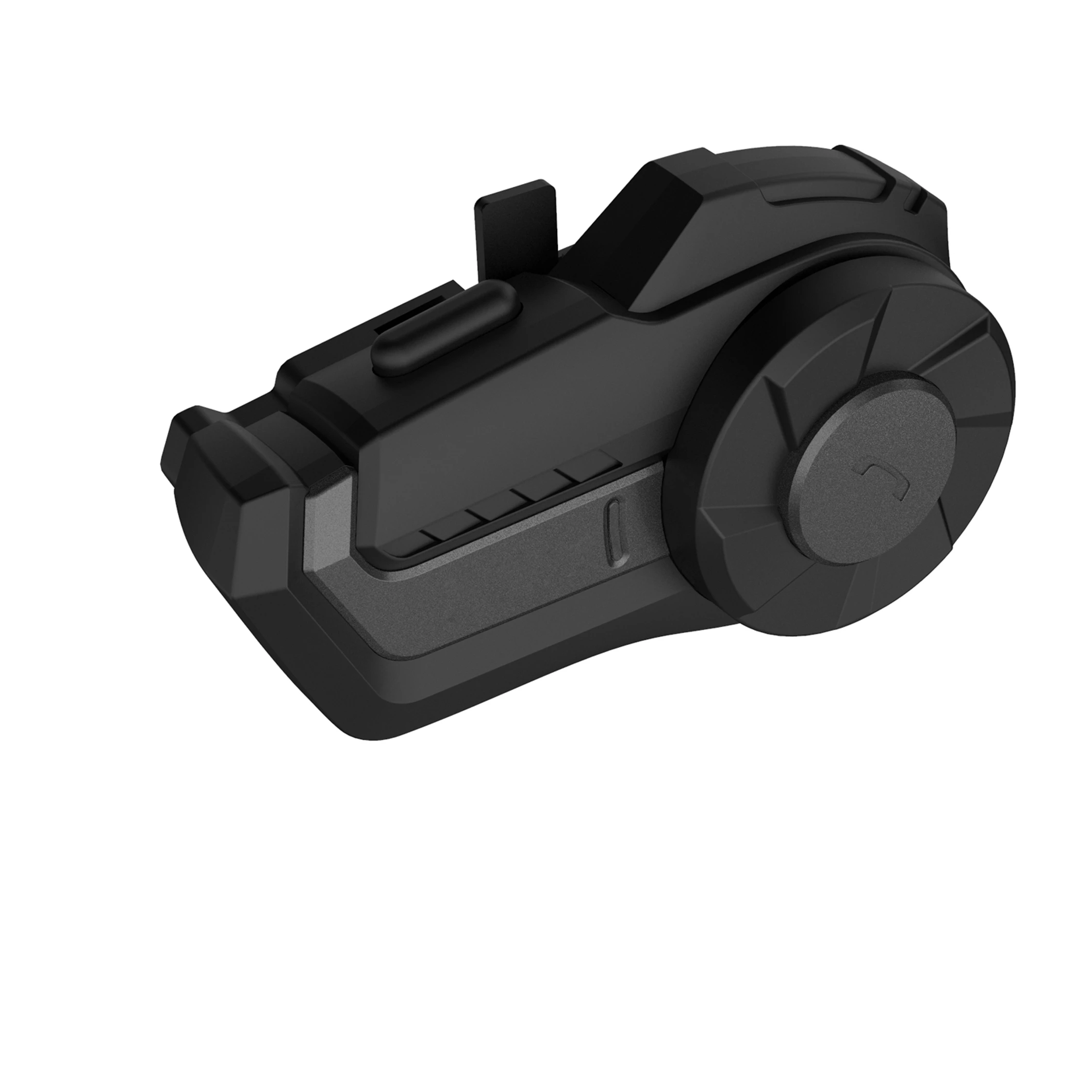
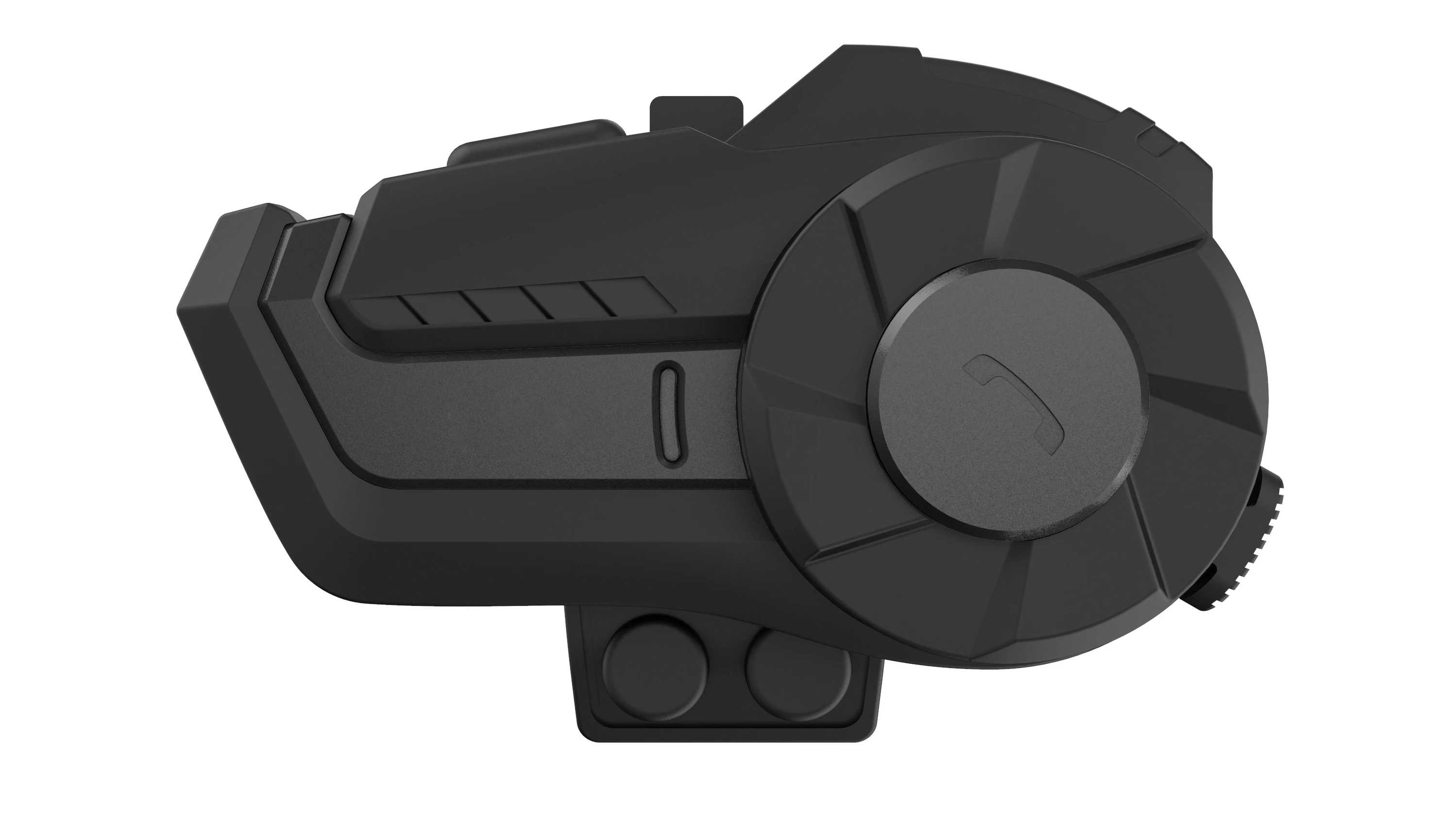
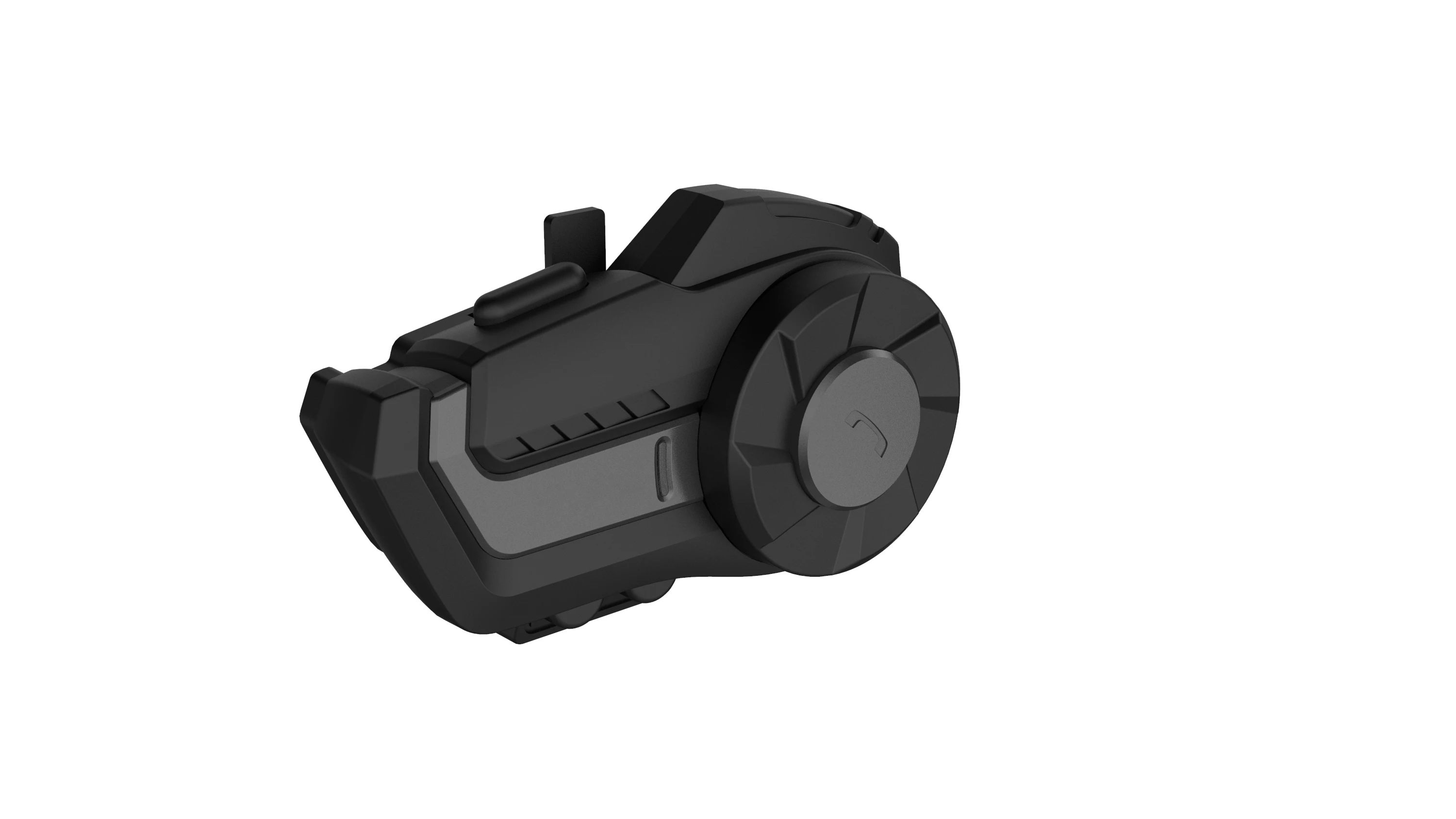
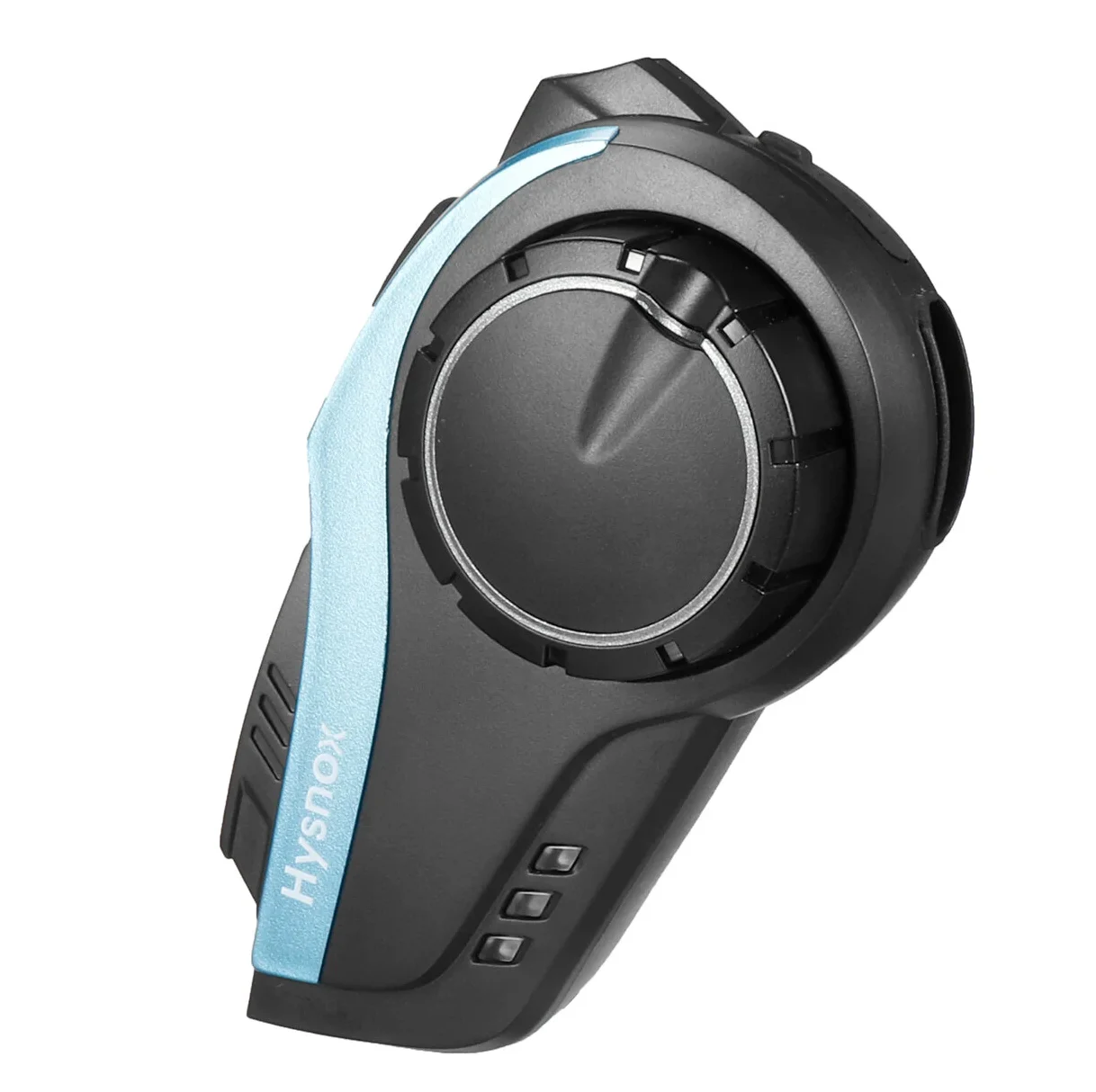

Поделиться:
Main Functions
•V5.0 Wireless, DSP processing, super CVC noise reduction, ultra-low power consumption, fast pairing, long working and standby time.
•It can answer, reject and hang up cals within 10 meters visible range, and support the connection of two mobile phones.
•40mm tuning speaker diaphragm, allows you to enjoy Hi-Fi music.
•In the open visual range, the distance between two Wireless intercoms is as long as 800 meters. After the intercom is enabled, the mobile phone is still in the standby mode to ensure that no phone is missed.
•Automatic answer, support redial of last call number.
•Support FM radio function.
•Chinese and English language tones.
•It can switch between mobile phone call, intercom, stereo music and FM radio at will.
•Wireless is able to connect to other two devices (eg. mobile phones, MP3, GPS).
•Support for voice communication at speeds of 120 km/h.
•Durable: the whole unit is waterproof and sun-proof. and the waterproof grade is up to IP65.
Applicable people:
Motorcycle and bicycle riders; skiers; take-away riders; electric vehicle people; construction and mining workers; firefighters and traffic police, etc.
2. Functions and operation of buttons
2.1 Power on / off the unit
Power on: press and hold the on / off key for 2 seconds, when hearing the power on prompt sound, and the blue light flashes, the unit will enter the standby mode;
Power off: press and hold the on / off key for 5 seconds, when hearing the power off prompt sound, and the red light flashes slowly twice, the unit will be powered off ;
2.2 Phone Controls
Answer the call: when there is a call, press the function key to answer the call;
Automatic answer: when there is no operation after 8 seconds, the headset will answer the call automatically;
Reject the call: press and hold the multi-function key for 3 seconds, until you hear the “Beep” sound;
End call: in the process of mobile phone call, press the multifunction key to end the call;
Redial the last number: in standby mode, double-click the power on key to automatically dial the last call number;
2.3 Music Playback
Play / pause: in Wireless connection mode, press the multi-function key once to control the music play / pause;
Forward: turn the knob counterclockwise to select the next music;
Rewind: turn the knob clockwise to return to the previous music;
2.4 Volume Adjustment
Continuously turn the knob anti-clockwise to decrease the volume; continuously turn the knob clockwise to increase the volume;
Let go when the volume is adjusted to the right level;
The highest or lowest volume is indicated by alarm tone;
2.5 FM Radio Control
Turn on the radio: in standby mode, double-click the multifunction key to switch to the FM radio;
After turning on the FM radio, quickly turn the knob and release your hand to adjust and select channels. Continuously turn the knob to select different channels (note that turning the knob continuously is to enter the volume adjustment mode);
Turn off the radio: double click the multifunction key and the headset will switch back to the previous mode;


Note :
1. When the indoor signal is weak, in order to make the FM radio work best, you can try to turn on the FM radio near the window or in the open area outside;
2. At the radio mode, when there is a call, the headset will automatically disconnect the radio, connect the mobile phone, and automatically restore the radio status when the call ends;
2.6 Language prompt switch
In the startup mode, press and hold the start key and the rotary knob key at the same time to switch the language prompt tone, and switch to the next language once every operation.
3. How to Pair
3.1 Pairing with mobile phone
Put the helmet mounted Wireless intercom and mobile phone within 1 meter;
Pairing steps:
1) Power on: in the power off mode, press and hold the power on key for 2 seconds, the blue light flashes with the prompt sound; wait until the power-on cycle is finished.
2) Turn on Wireless: press and hold the power on button for 2 seconds, the red and blue lights will flash alternately with the voice prompts "Wireless pairing”, which indicate the unit is to be Wireless paired;
3) Search for Wireless: turn on the Wireless function of the mobile phone, search for nearby Wireless devices, and select "hysnox" to connect and pair. When the pairing succeeds, there will be prompt "Wireless connected" and the connection is successful.
Note: if there is a pairing record with the mobile phone, the intercom will automatically connect to the Wireless of the mobile phone after it is turned on, and there is no need to repeat pairing (provided that the Wireless of the mobile phone is turned on).
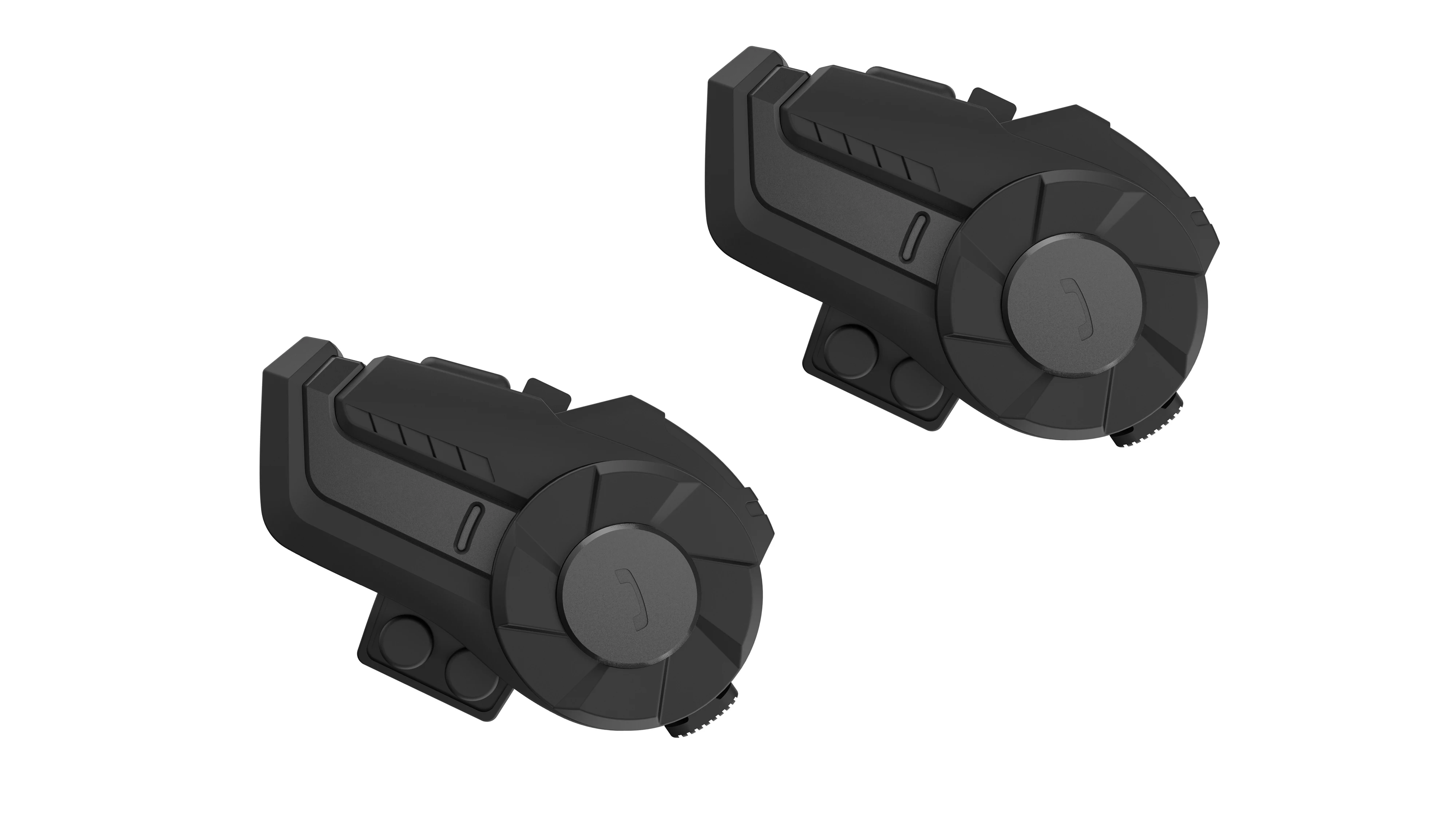
3.2 Pairing between two headsets
Put the two helmet mounted Wireless intercoms within 1 meter of each other;
Pairing steps:
1) Power on: at the power off mode, press and hold the power on button of two Wireless intercoms for 2 seconds until he blue light flashes, and complete the power on with the power on prompt sound;
2) Turn on Wireless: press the power on button for 2 seconds at the same time until the red and blue lights flash alternately with the prompt "Wireless pairing", which indicates the units are in the Wireless waiting pairing mode;
3) Intercom pairing: when Wireless is waiting for pairing, press the power on button of any one of them, the indicator light of this machine will turn into a blue light flash, and there will be a "intercom search" prompt tone, and it will enter the search pairing mode (the red and blue lights of the other non operating host will flash alternately). After a few seconds, the automatic pairing will succeed, and the blue lights of the two units will flash slowly at the same time, With the sound of intercom pairing suceeding, the pairing is successful.
Note: When the two helmet mounted Wireless earphones are paired successfully, there is no need to pair them repeatedly. When the headsets are powered on at the same time, they will pair automatically after staying in the standby mode (slow flashing blue light) for a few seconds.
3.3 Start / disconnect two helmet Wireless intercoms
Start: in standby mode (the blue light flashes slowly), two paired helmet mounted Wireless headsets will be connected automatically. After the connection is achieved, there will be the voice prompts "intercom is connected", and the duplex intercom can be started.
End: when you want to end the Wireless intercom call, press and hold the function key for 2 seconds, you will hear a “beep”, and the intercom will be disconnected at this time; If you want to reconnect to the intercom, press and hold the function key for 2 seconds until you hear a “beep, and then the Wireless intercom will be reconnected.
Note: In the process of intercom, it is inevitable to be disconnected due to the influence of environmental factors. There is automatic connection function within five minutes after disconnection. If it is unable to connect again, you can manually press the function key once to carry out interventional searching and pairing.
3.4 Switching mode
Switch between intercom mode and music / FM radio mode:
When in intercom mode, press and hold the multi-function key for 2 seconds, you can hear the "beep" tone, which indicates the intercom mode exits, and enter the switch between music and FM radio;
Each time when you double-click the multi-function key, you can turn on or off the FM radio. Promptly press the multi-function key to turn on or off the music of the mobile phone. If you need to enter the intercom again, you need to press and hold the multi-function key for 2 seconds until you can hear the “beep” prompt tone, which indicates entering the intercom search mode. The unit will automatically enter the intercom mode after the pairing is successful; When the two intercoms are in the intercom mode, if the intercom is also connected with the mobile phone, when a call comes in, the intercom will be automatically disconnected, and switch to the mode of answering the call, and the intercom will be automatically restored after the call is over; It takes about 5 seconds to automatically switch back to the Wireless intercom mode from the mobile phone call mode.


