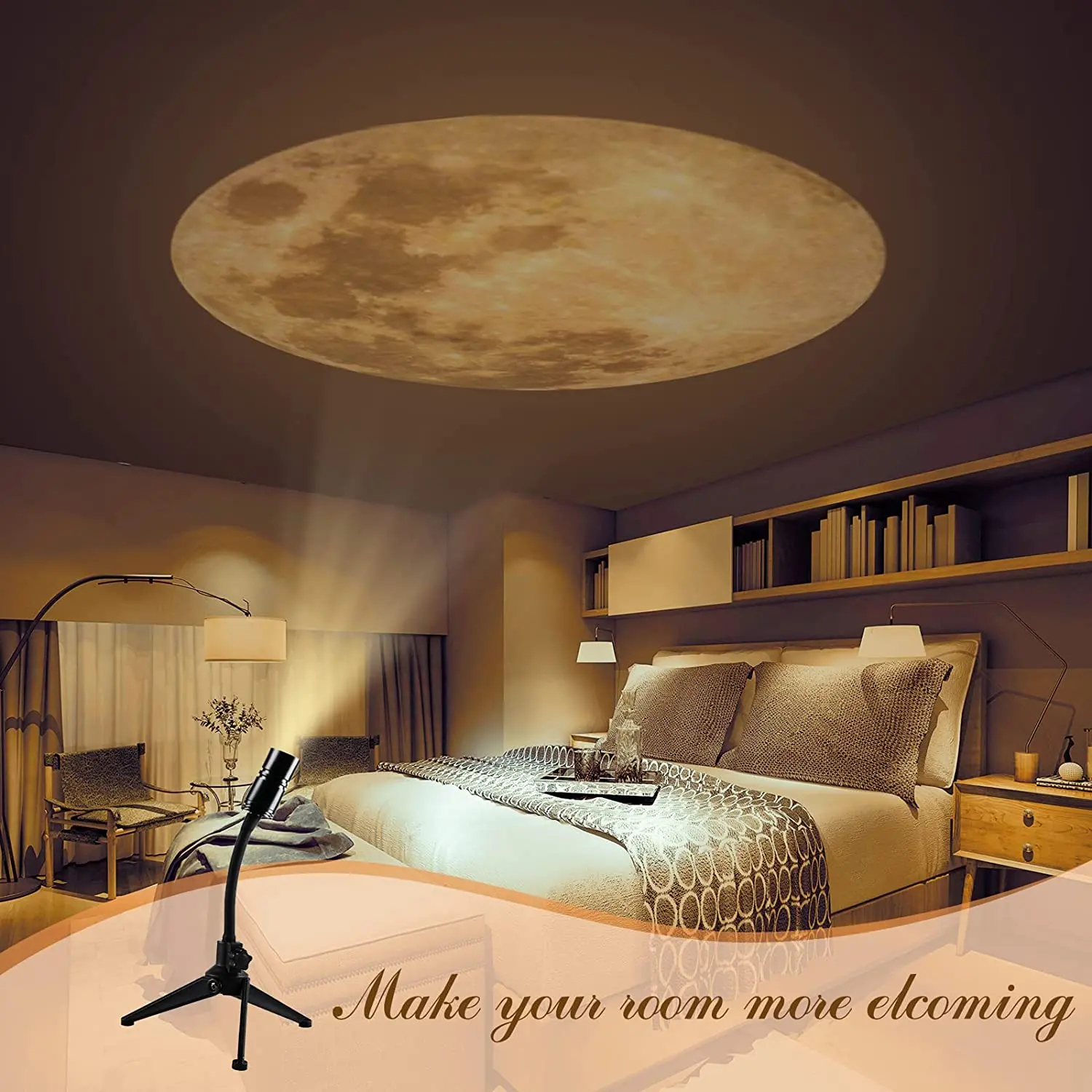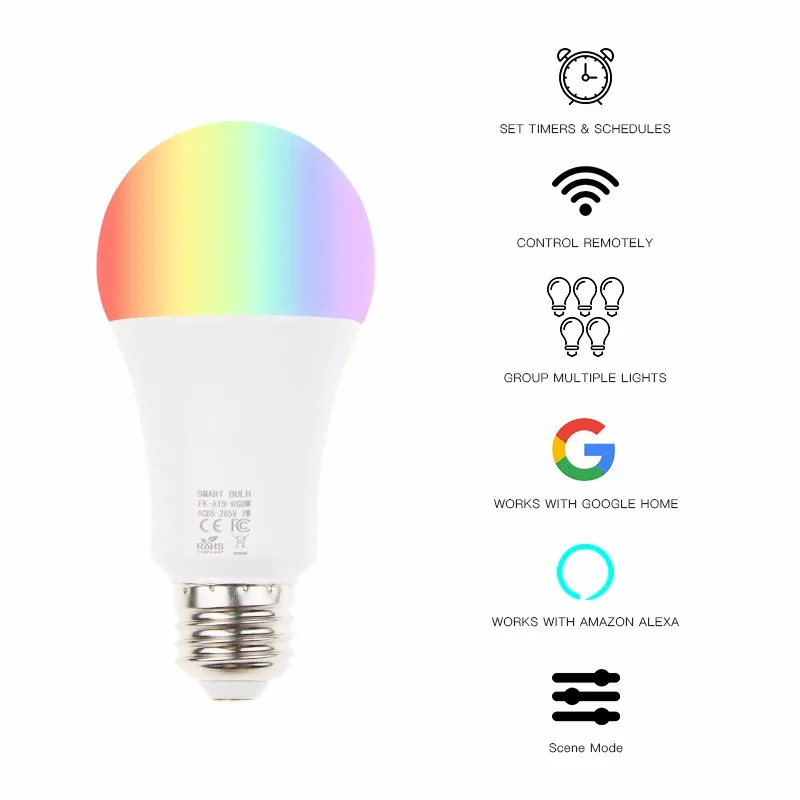

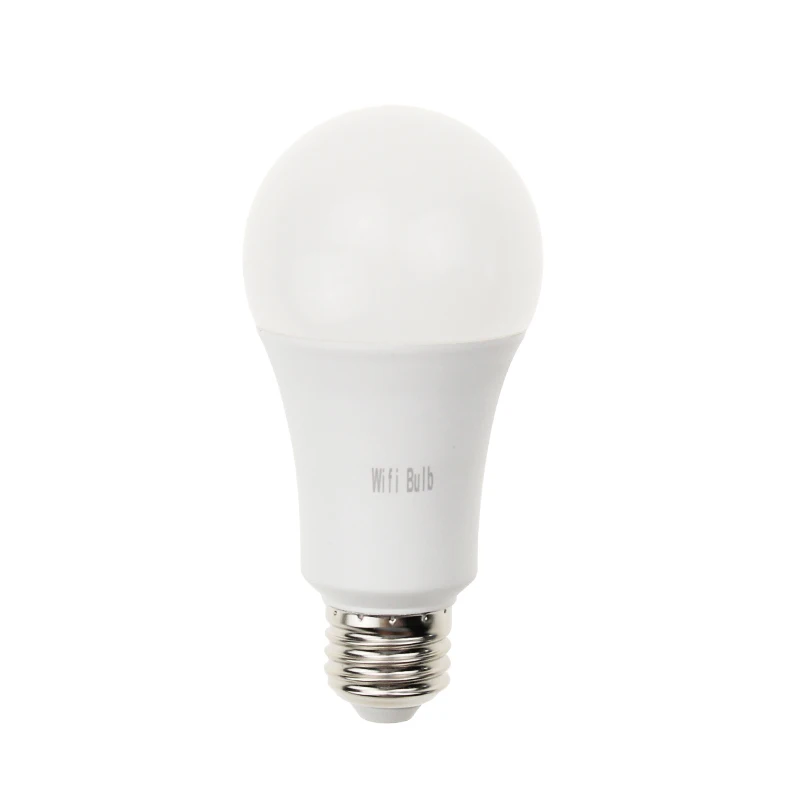
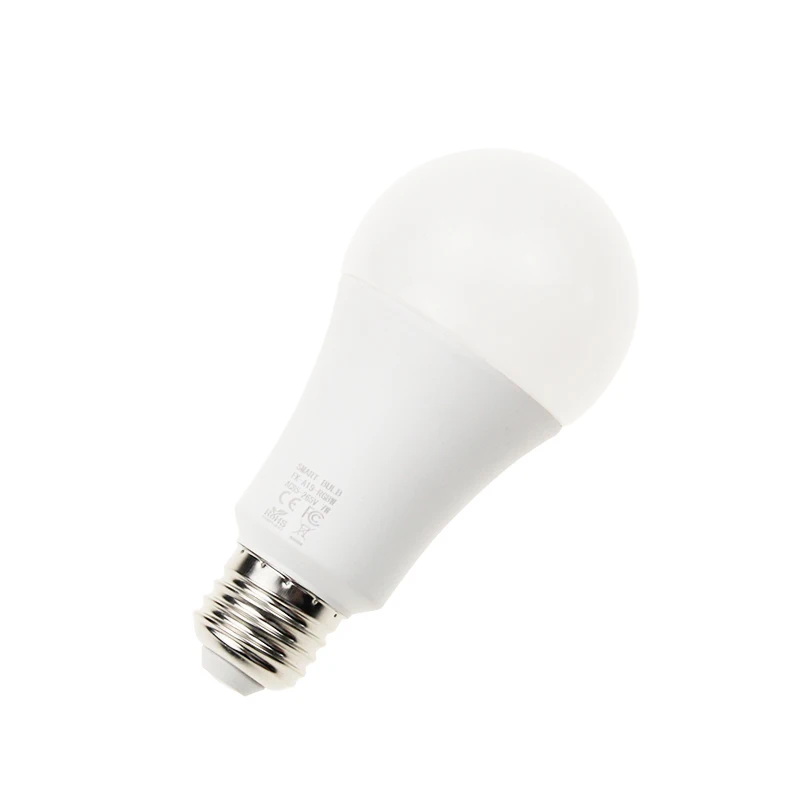
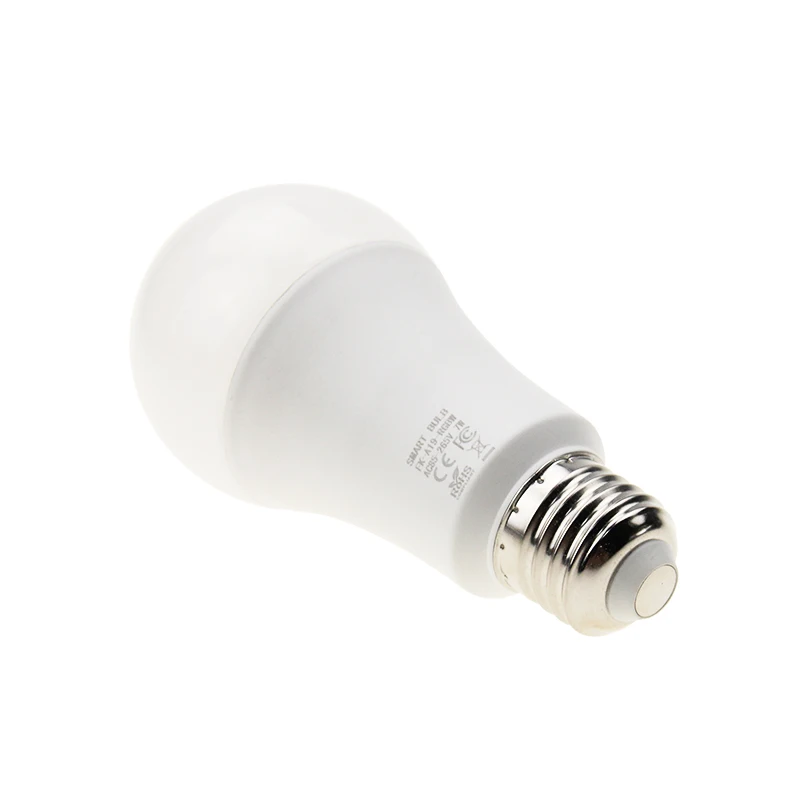
Светодиодная лампа с дистанционным управлением RGB E26 E27 B22 умная Светодиодная лампа с Wi-Fi совместимая с Alexa Google home
- Категория товара: Lights & Lighting >>>
- Поставщик (Оптовый магазин): Hangzhou,Frankever,Electronic,Co.,Ltd.
Поделиться:
Описание и отзывы
Характеристики
Remote Control RGB LED Bulb E26 E27 B22 Tuya Smart Led Light Compatible with Alexa
Product Description
Product name | Remote Control RGB LED Bulb E26 E27 B22 Tuya Smart Led Light Compatible with Alexa |
| Working temperature | -5~45degree |
| Wireless consuming | ≤0.3W |
| Working Humidity | ≤80% |
| Wireless frequency | 2.412~2.484GHz |
| Wireless IEEE standards | 802.11b/g/n |
| Feature | Wifi remote control / Voice control by Google home and Alexa Echo |


Packaging & Shipping


Our Services
1.OEM and ODM can be acceptable
2.Can be produced according to your design
3.Offer design and produce according to your requirement.
Certifications

Trade Shows
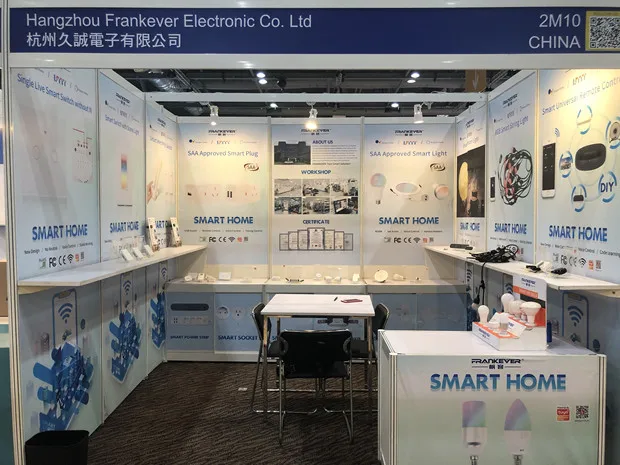

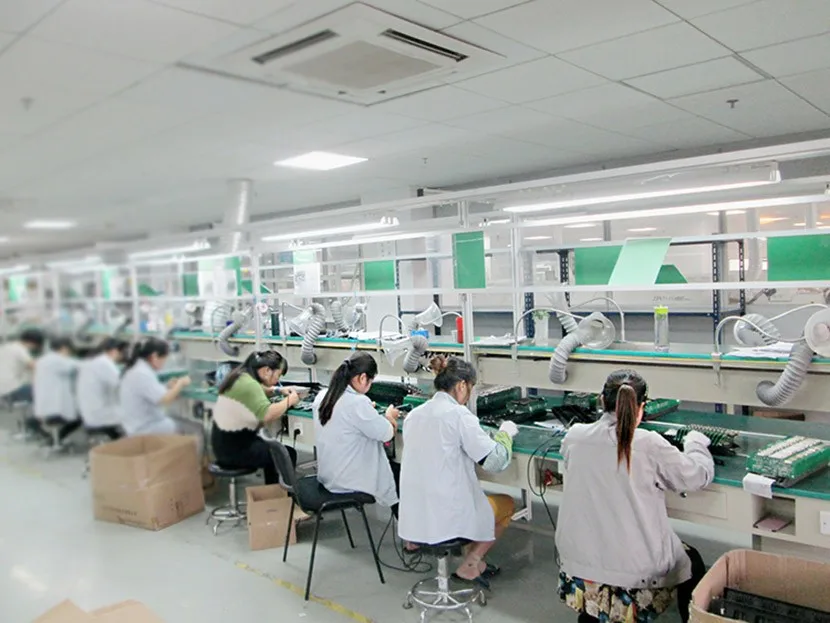
Company Information



FAQ
1.Are you factory or trading company?
We are factory
2.Do you accept OEM or ODM?
Yes, we can accept OEM and ODM
3.What is its lead time for samples and mass production?
Within 3 work days for samples and 20 work days for mass production.
4. Is it OK to print my logo on the products?
Yes. Please inform us formally before our production and confirm the design firstly based on our sample.
5. Do you offer guarantee for the products?
A: Yes, we offer 2 years warranty to our products.
6. Which certificate you have?
A: CE ROHS FCC are all available
7. How to connect to Amazon Alexa?
Step 1:Add Device
Make sure there’s at least one device in device list. Supported devices includes smart light, socket, heater, etc.
Step 2:Modify device name
Modify device name that Echo could easily recognize. Such as: Living room Light,Bedroom Light.
Step 3: Set up Echo
Use Alexa APP or computer(http://alexa.amazon.com). Set up Echo from “Settings”.
Step 4: Add Skill
Add“Skill”in Alexa App or computer. Enter into the skill and search for TuyaSmart. Tap on “Enable Skill”and enter your TuyaSmart account & password to finish binding.
Step 5: Control Device
First of all, it need to discover devices. Speak to Echo:Alexa(or Echo),Discover my devices. After about 20s, Echo tells you how many devices found. You could then voice control devices, only support English.
Похожие товары

Светодиодные неоновые гибкие многоцветные светодиодные ленты
US $5.00-$10.00

Линейный светильник для сауны
US $3.50-$8.00