Тепловыделение 40 Гбит/с Thunderbolt3 PCIe твердотельный накопитель NVME M2 ключ ssd корпус
- Категория товара: HDD Enclosure >>>
- Поставщик (Оптовый магазин): Shenzhen,Blueendless,Co.,Ltd.
Поделиться:
Описание и отзывы
Характеристики
Product Description
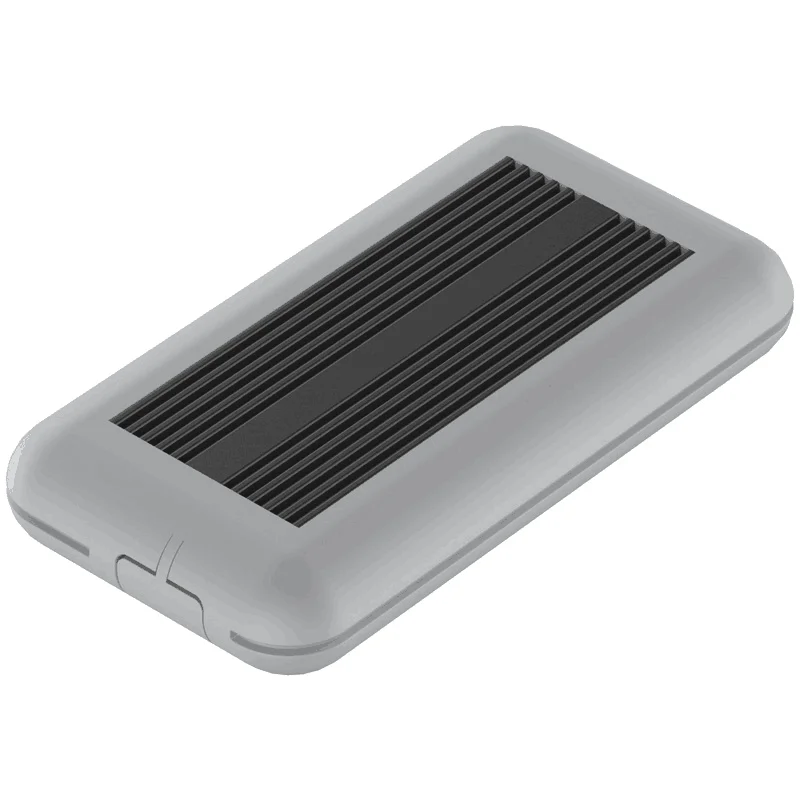
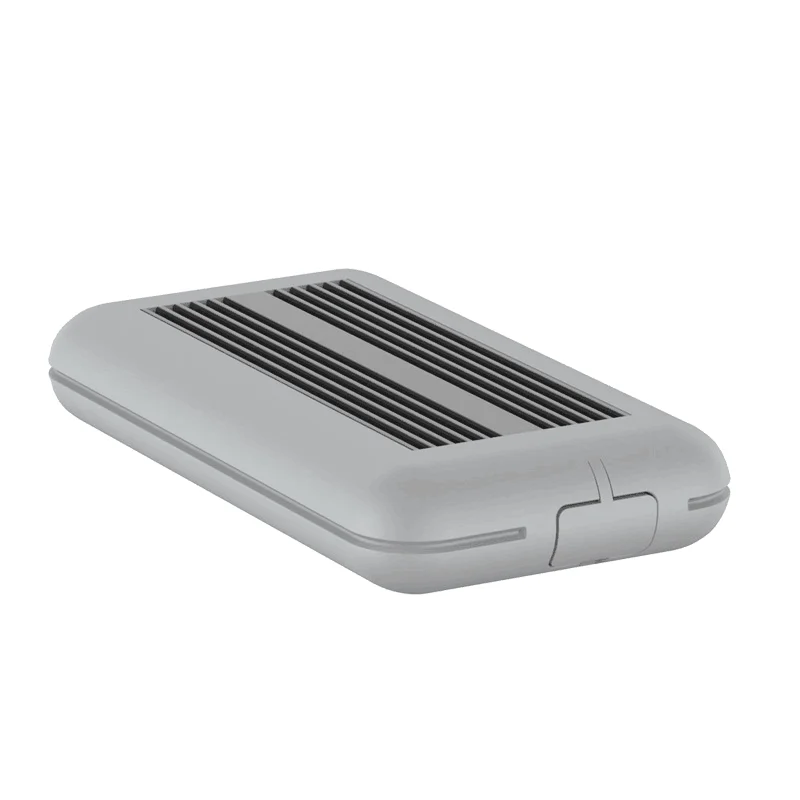
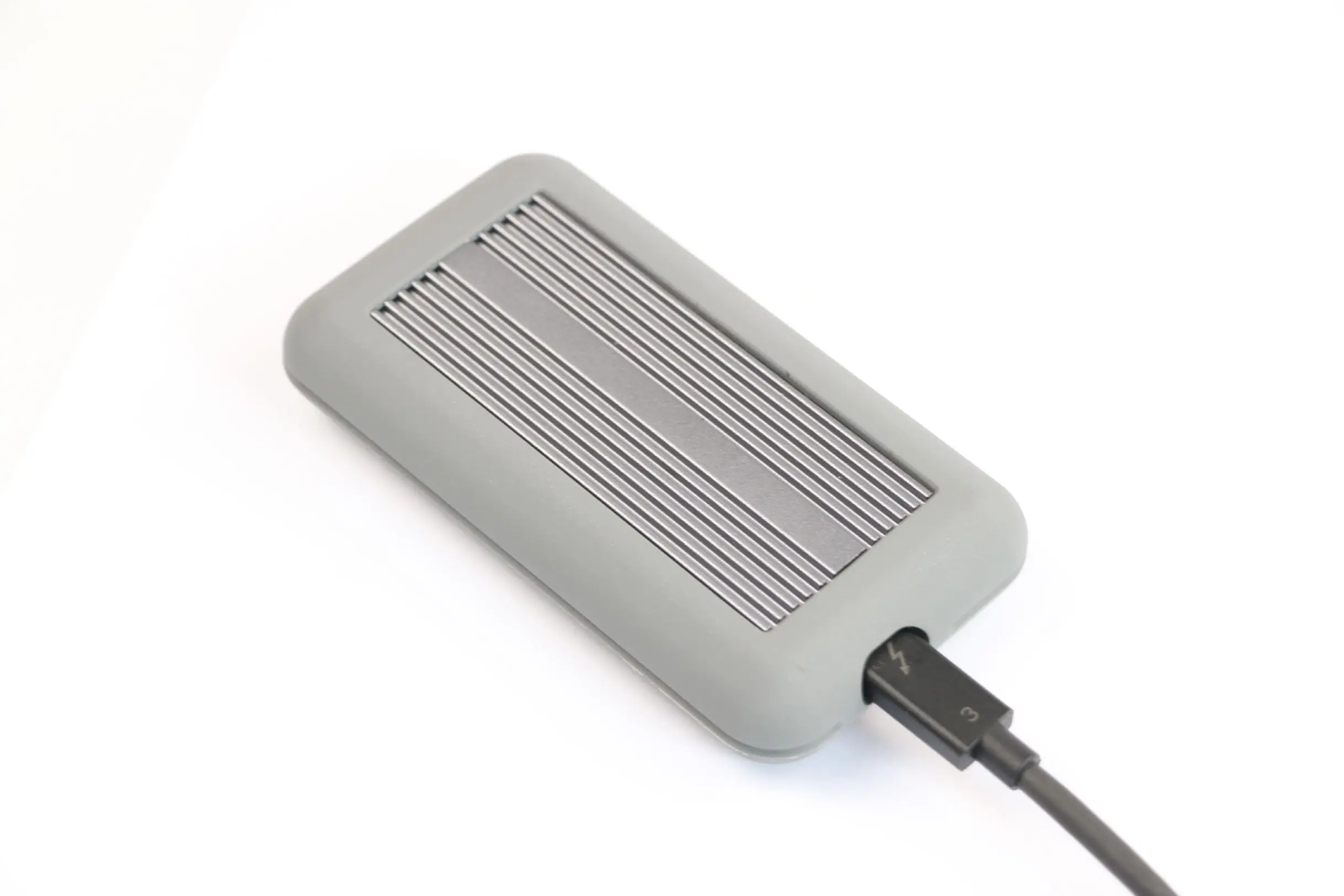
Heat Dissipation 40Gbps Thunderbolt3 PCIe Solid State Drive NVME M2 key ssd enclosure
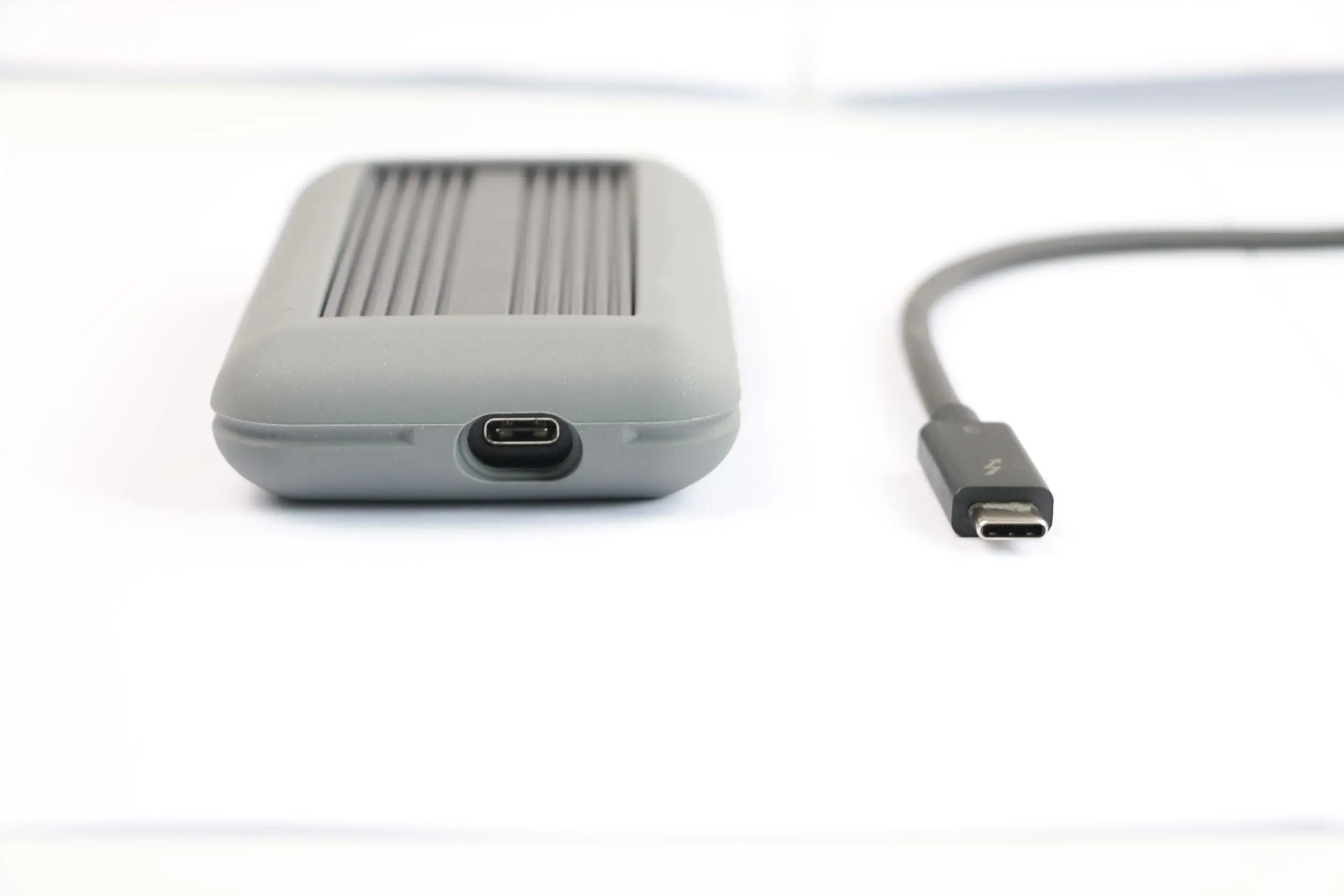
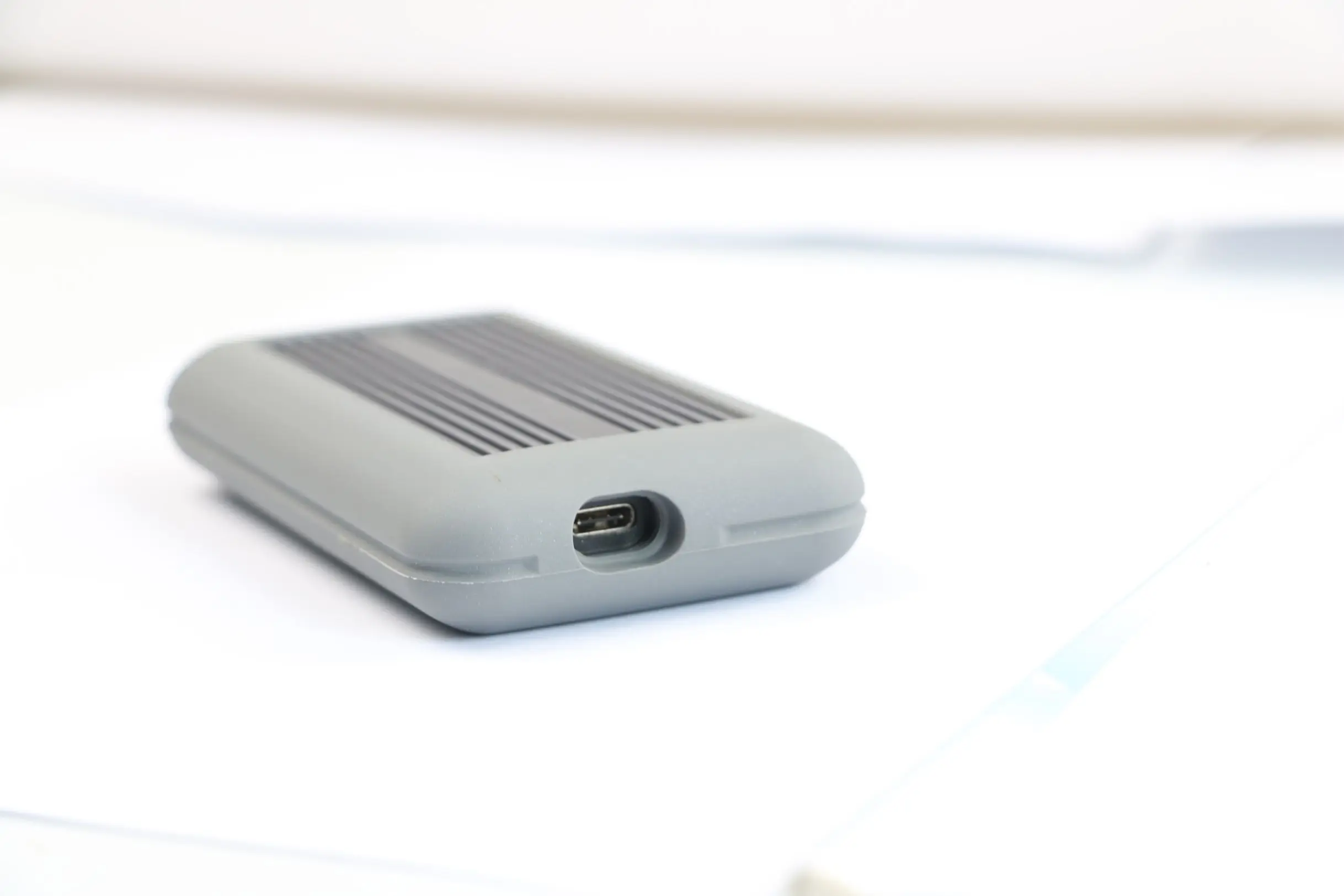
SSD 40Gbps Case Thunderbolt 3 SS disk drive Enclosure Feature:
1. For 20 &40 &60 &80 mm length SSD
2. Portable size: 118*63*20mm
3. Case material: Aluminum alloy+silicon protector
4.Interface: M2 PCIE Thunderbolt 3
5. Color:black,silver
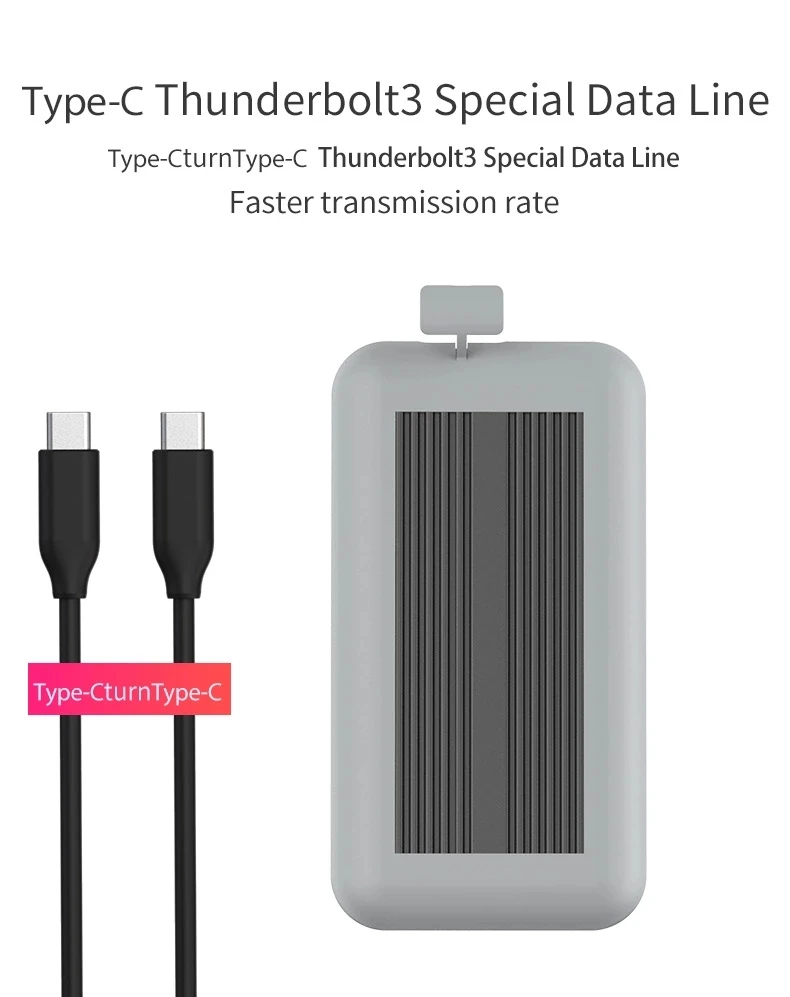
6. Cable:Typc c turn type c thunderbolt 3 cable(Intel Certified)
7.Compatible with Windows XP / Vista / 7 / 8 / 10/,Mac OS
Thunderbolt 3 PCIE NVMe M2 SSD Enclosure Advantages:
1.Equipped with LED indicate power and show your logo(Intel Certified)
2.Size support 80mm, 60mm, 42mm, testing applied Samsung 970 EVO Series SSD certified by Intel compliance (250GB)
3.Equipped with LED indicates power and show your logo
4.Advantage:8 times usb 3.0 transport rate high at 40Gbps,NVMe SSDs to achieve peak performance, 8 times the Sequential read/write speeds of SATA (900-1000 MB/s)
5.Plug-and-play connection, no installation need.
6.Heat sink structure: Metal Sheet heat dissipation+metal radiator with holes+cooling fin+silicon protector
SSD 40Gbps Case Thunderbolt 3 Solid State Drive Case Package:
1.ssd enclosure*1
2.user manual *1
3.screws *4
4.screw driver *1
5.Typc c turn type c thunderbolt 3 cable *1 (Intel Certified)
Product Show
Heat Dissipation 40Gbps Thunderbolt3 PCIe Solid State Drive NVME M2 key ssd enclosure


Packaging & Shipping
Payment:
1)Fast tradeing: 100% with Paypal, western, T/T , L/C according to buyer's convenience.
2)Production trading: 30% T/T deposit, and 70% T/T balance pay before delivery.
Delivery:
For sample order,UPS,Fedex,DHL and other Express for choose.
If you have special requirments please contact us without any hesitation.
According weight of products ,we can flexibly arrange air or sea transport.Leading time is 3-7 days for sample order,and 15-18 days for mass production.
Note:
1)Items are shipped only after 100% payment is confirmed received.
2)Handle time: All item will be shipped within 1 working day with stock, but except for mass production item request.
3)Shipping way: Fast shipping such as DHL,UPS,FEDEX,TNT,EMS and so on or appoint by buyer,but except for mass production item.
4)Deliver time: most contry takes 4-10 days, we can offer more precise ref time for you when ordering.
|
Heat Dissipation 40Gbps Thunderbolt3 PCIe Solid State Drive NVME M2 key ssd enclosure
Company Information
Blueendless Electronics Company was founded in 2004 as OEM manufacture of HDD Enclosures,WiFi HDD Enclosure,Power banks,Wireless power banks & chargers.
|
Heat Dissipation 40Gbps Thunderbolt3 PCIe Solid State Drive NVME M2 key ssd enclosure
Our Services
Our Advantage:
Superior Quality
|
Heat Dissipation 40Gbps Thunderbolt3 PCIe Solid State Drive NVME M2 key ssd enclosure
FAQ
F A Q |
My computer system is WIN98. Why can’t my computer identify my USB disk? |
A: Startup the computer, enter the BIOS setup, check whether the relevant options of USB in BIOS are opened: set On Chip USB as Enabled; set USB Controller as Enabled; set PNP OS Installed as YES; set Assign IRQ For USB as Enabled.
To use USB device you need to drive USB interface first and enable mainboard chipset’s full support of USB device to make preparations for the system to identify USB device. To use it in WIN98 system, a correct driver needs to be installed; otherwise it cannot be identified by the system. The driver can beobtained in the attached CD or related website. |
My computer cannot identify the USB disk, or it can identify the icon of the USB disk but cannot open it or use it. Further more, whenever the USB disk is plugged in the system works slower. Why is that? |
A: It should be because of the USB lack of power supply. Please connect to AC adapter if the USB disk has DC power adapter. If there is no DC adapter jack, it is suggested to connect to a USB HUB with power supply (i.e. a USB HUB with DC power supply) in order to offer sufficient power supply. |
Why is my USB disk clicking and cannot be identified? |
A: It is likely the USB interface is lack of power supply. The power of USB disk is large and requires rigid voltage. The front USB interface is connected to the computer via cable and consume large amount of voltage while transferring. Therefore, it is advised to connect the USB disk to the USB interface of the rear main board. It is also possible that the front USB wire is connected in a wrong way. Provided that there are two AM heads at the matched USB wire, both AM heads can be connected to the computer to try if it works. It is suggested to use the matched USB wire provided by the factory since the USB wire with poor quality or large length can affect regular service. |
Похожие товары