
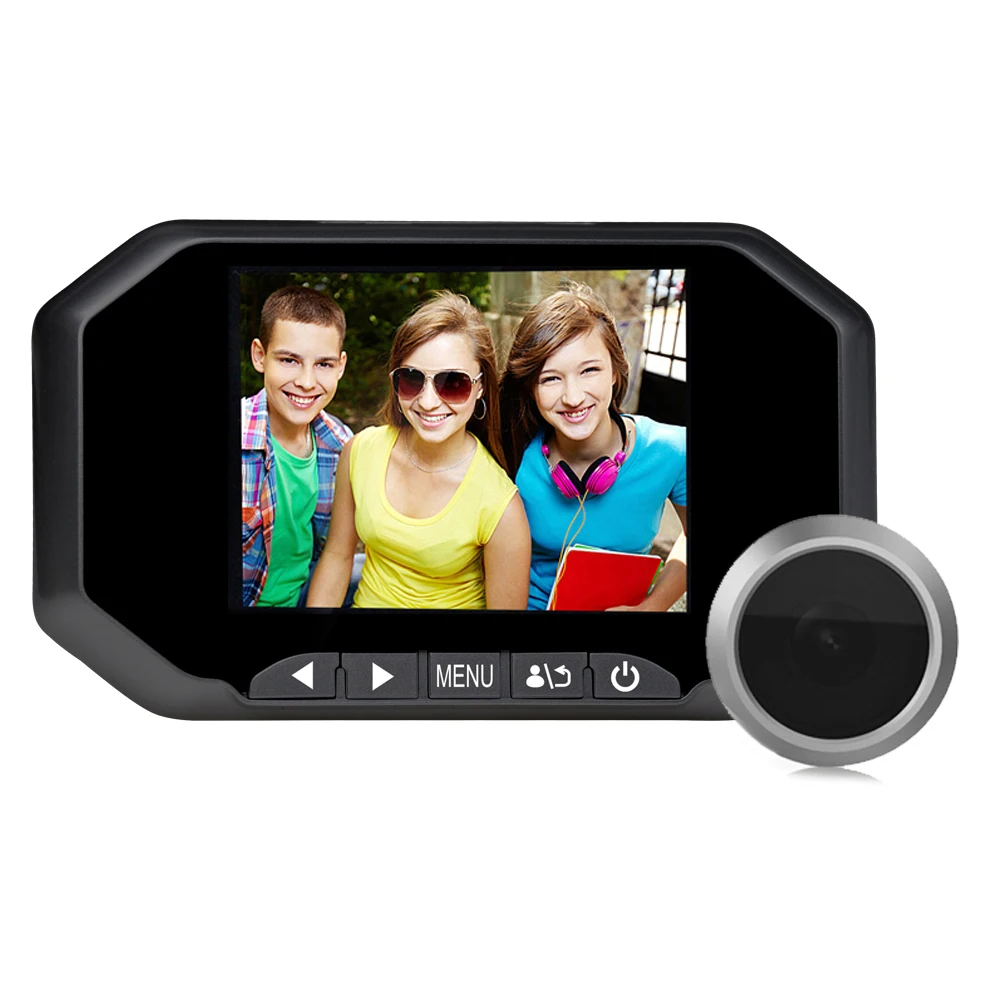
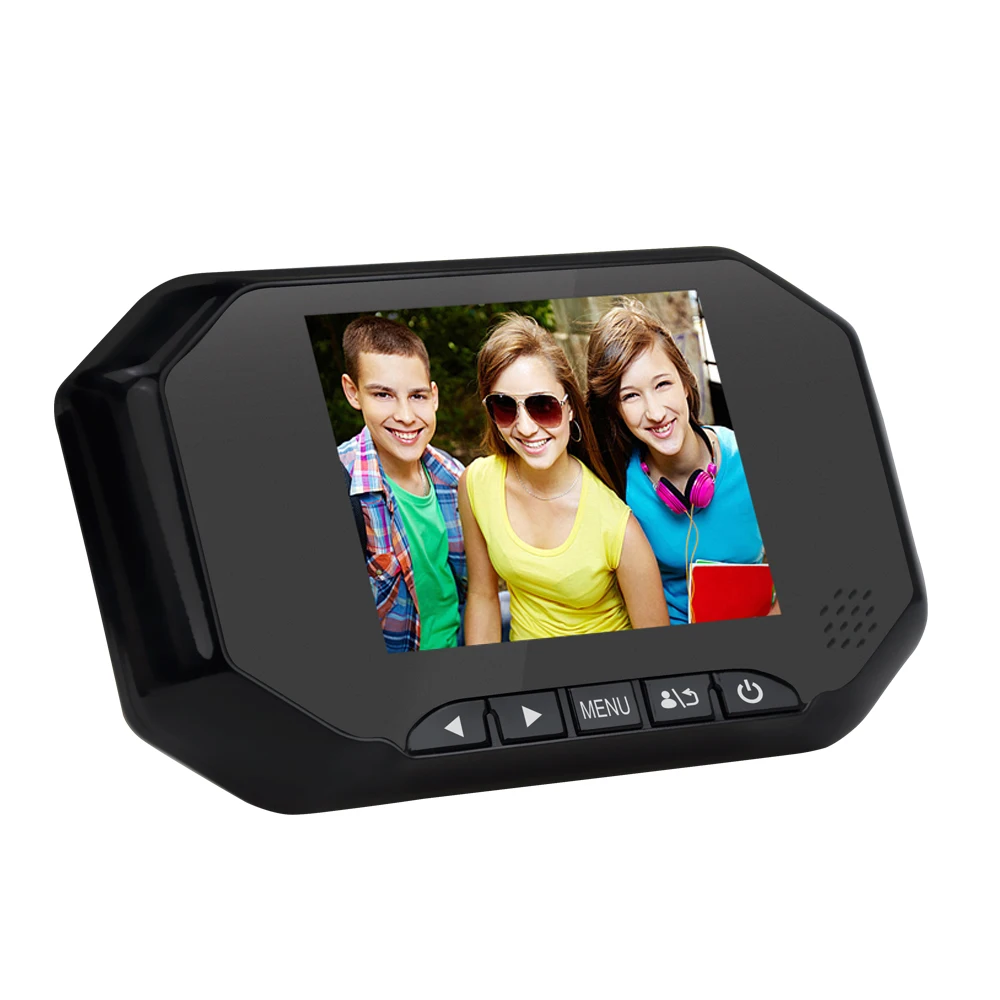
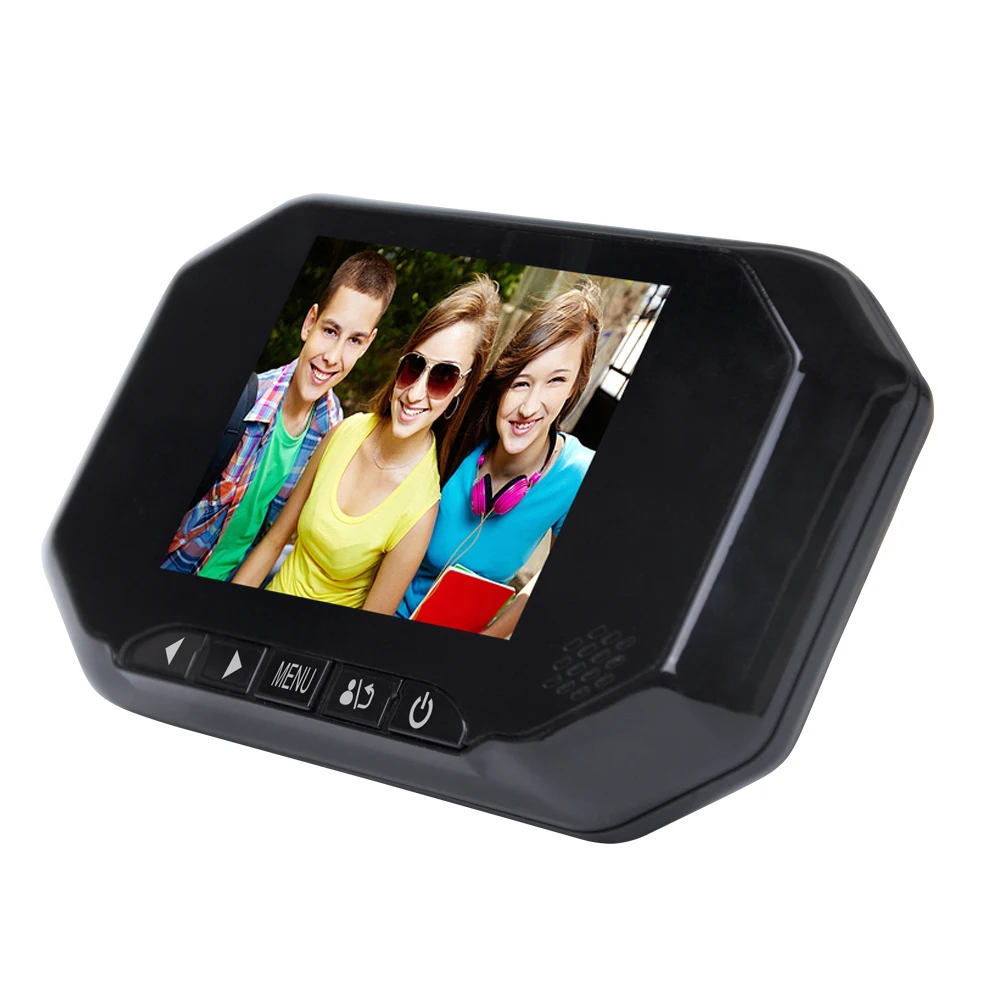
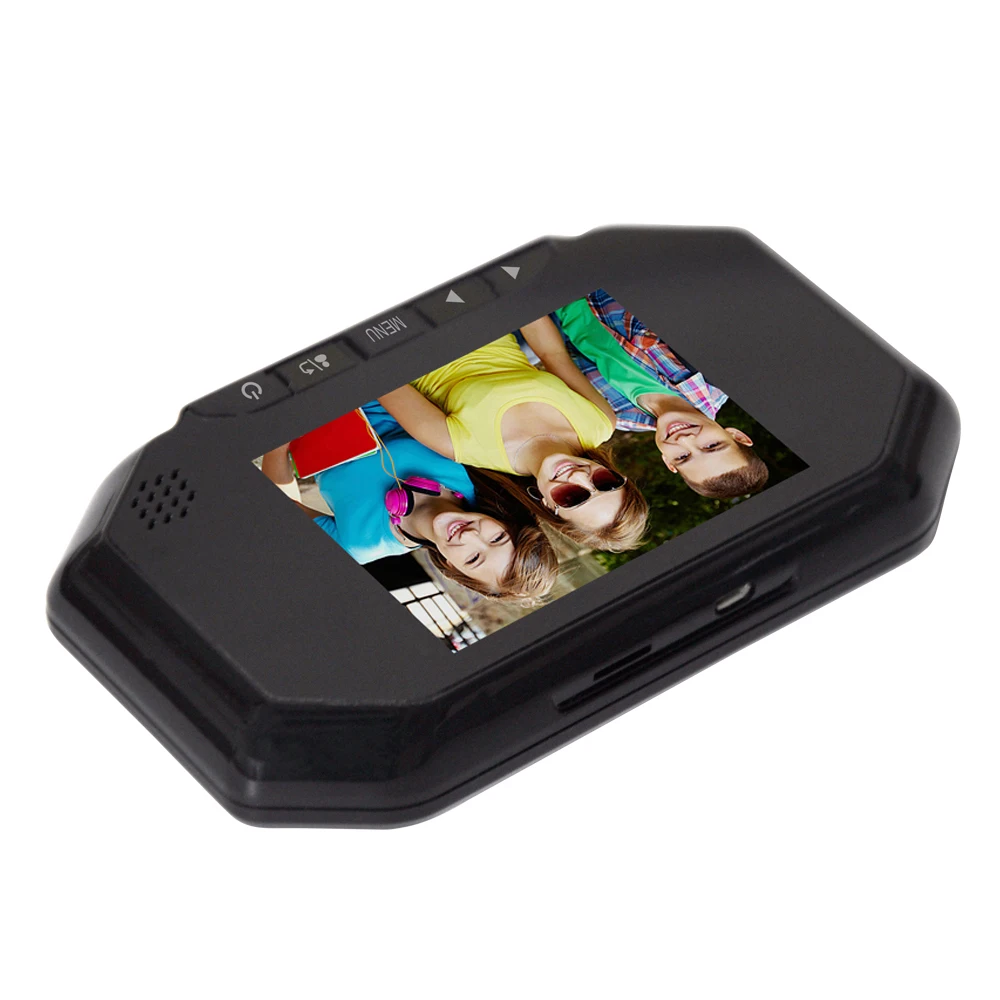
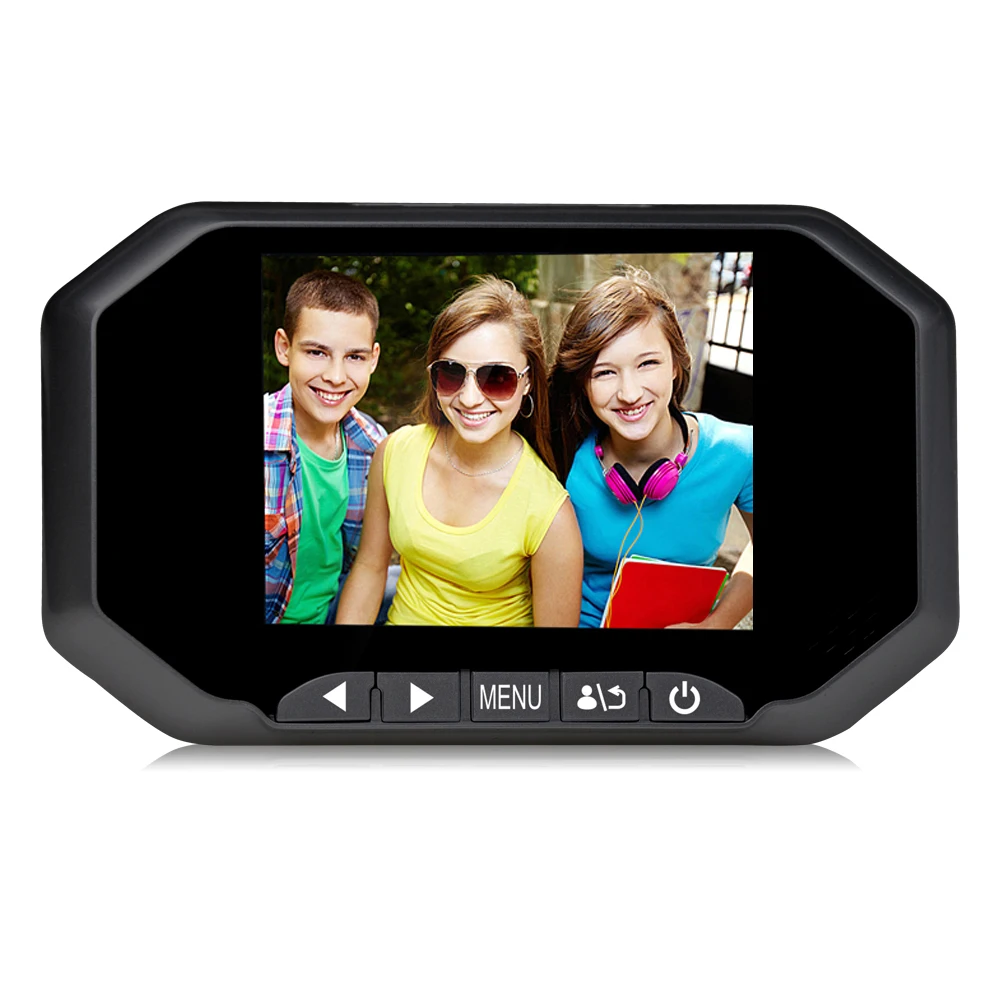
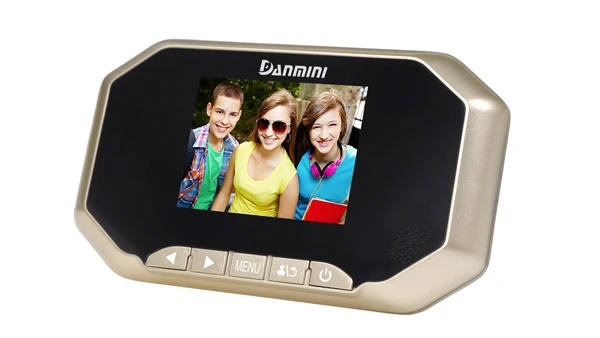
Новинка от производителя, 3,0 дюйма, 1 МП, Danmini, цифровой скрытый дверной глазок, камера, дверной звонок, видео, Визуальный Электронный глазок
- Категория товара: Door Viewers >>>
- Поставщик (Оптовый магазин): Shenzhen,Yuyuan,Technology,Co.,Ltd.
Поделиться:
Описание и отзывы
Характеристики
Factory New item 3.0inch 1MP Danmini digital hidden door viewer peepehole camera cam doorbell video visual electronic viewer


Function introduction
u After the machine takes pictures, save the pictures you have taken in the TF card. You can browse through the menu or use a card reader to browse the computer.
u When the house operator presses the switch button, the machine will turn on and show all the outdoor conditions on the big screen.
u When the machine is turned on, when the outside screen is displayed on the screen, the room staff will press the return key again to complete the photographing, and the screen will be automatically stored in the TF card.
Technical Parameters
Parameters | YB-3.0BHD | |
3.0 inch camera video intelligent cat eyes | ||
Camera module | Image Sensor | 1/4" CMOS(1034) |
Effective Pixels | 1280(H)×720(V) | |
Minimum illumination | 0.5Lux/F2.0 color) | |
0.02Lux/F2.0 (black and white) | ||
White balance | Automatic tracking of white balance | |
Gain control | automatic | |
Signal to noise ratio | Greater than 50dB | |
BLC | automatic | |
Wide dynamic | YES | |
Electronic shutter | 1/4-1/10,000s | |
Day and night mode | Filter color to black | |
focal length | 2.4mm | |
Horizontal viewing angle | 140° | |
Aperture | F2.0 | |
Features | Automatic shut-down | Closed, 10 seconds, 20 seconds, 30 seconds |
Language | Chinese, English, French, German, Spanish, Portuguese, Italian, Russian, Hebrew, etc. (The built-in language of each version may be different, other languages can be customized) | |
Video time | 10 seconds, 20 seconds, 30 seconds | |
Number of photos taken | One, two, three sheets | |
format | Support formatting TF card | |
Light source frequency | 50HZ/60HZ | |
Power off memory | stand by | |
default setting | stand by | |
parameter | main chip | SQ |
Indoor unit size | 148mm*87mm*20mm | |
Outdoor machine size | 33mm*33mm*7mm(42mm) | |
Indoor machine material | ABS plastic | |
Outdoor machine material | Zinc alloy | |
LCD screen type | 3.0 inch | |
LCD screen resolution | 960*480 | |
TF card | Maximum support 32G | |
Maximum image size | 1280×720 | |
Frame rate | 50HZ: 25 frames (1280×720P) | |
Video compression | M-JPEG | |
Audio compression | G.711 / 16kbps | |
stand-by current | 100UA | |
Operating temperature and humidity | -30°C-65°C(outdoor) / -10°C-50°C(indoor) Humidity is less than 90% | |
Protection level | IP55 | |
Installation method | Screw plate | |
Applicable door | 40~110mm | |
For cat eyes | 15~50MM | |
weight | Net weight 0.25Kg/Gross weight 0.5Kg | |
Package Size | 190*117*76mm | |
Host color | Black, gold, silver | |
Accessories | Screws | M3*35 2 M3*65 2 M3*85 2 |
Mounting base plate | 72mm*52mm*6.5mm | |
TF card | Capacity 8G (optional) | |
battery | 3 AA batteries (optional) | |
Product packing list:
Outside host *1, Outside door *1, Screw*6, Pallet*1, Certificate*1, Service Card*1, Product Manual*1, Battery*3( Optional), memory card*1 (optional)
common problem:
1,the machine does not boot, no response
a Check if the battery is inserted into the battery compartment correctly
b Check the battery quality and battery power. (The initial voltage is greater than or equal to 1.5V)
c USB-powered boot (using 5V1A/2A phone charger plug)
d The working voltage of the machine is 3.6V-5V. Check if the input voltage is within the range.
2,Startup shows "video is not activated" no image
a: The cable interface is reversed. Please pay attention to the direction.
b: The cable is broken or the camera cable is not in line. The poor contact of the cat's eye (re-plug) is inserted in the direction of the arrow on the main board.
3,the machine automatically black screen
The machine uses a power-saving design, with a default of 10 seconds, and automatic screen standby. Other options are available in the settings menu.
4,the machine will not go out standby
In the setting menu "Auto Power Off", set for 10 seconds (10 seconds to stop the screen standby), 20 seconds (20 seconds to stop the screen standby), 30 seconds (30 seconds to put screen standby), close (not put out the screen standby),
5,can not take pictures / video
When the machine is inserted into the TF card, it has the camera/video function.
6,do not read TF card, do not save photos, photos can not be played, etc.
a Please use a fast enough memory card to format the memory card before use
b Plug the TF card into another device and check if the TF card is good
c Restart the host after inserting TF card
d Use alcohol or eraser to clean the memory card golden finger section
e Replace memory card
7,whether the night can use
The camera has infrared light, night vision supports a valid distance of 2 meters, can clearly see the visitor's facial features.
8,how thick the door can be installed, screw enough?
Doors without holes require holes for installation. The best hole size is 15-20mm.
Door Thickness Application Range: 30mm~110mm; Door Hole Range: 15~50mm
When installing the outdoor unit, first confirm the thickness of the door, and select the appropriate screw according to the thickness of the door.
Note: >When the thickness of the door is in the range of 30mm-60mm, use 35mm long screw
> When the thickness of the door is in the range of 60mm-90mm, use 65mm long screws
> When the thickness of the door is in the range of 90mm-110mm, use 85mm long screws
9, how to charge, battery standby and use time is how long?
The battery used in the machine is a general-purpose AA dry battery. The theoretical standby time of the machine is 120 days, and the actual use time is about 45 days (calculated by 10 times per day of start-up. If you open motion detection, you may have a large number of daily start-up. In this estimation, it will also lead to a substantial reduction in the actual use time; according to the power saving prompt card, the options such as time to enter standby and PIR motion detection will be changed to more power-saving modes.
Похожие товары


